Account & Data Deletion – ConfirmaPE
Last updated: 21-01-2026
ConfirmaPE allows users to request the deletion of their data associated with the application.
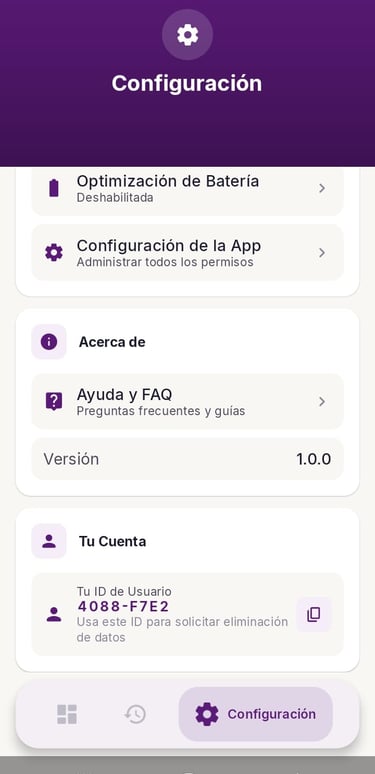
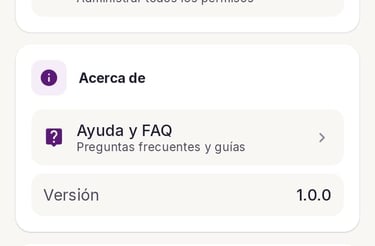
How to request account and data deletion.
ConfirmaPE does not require user registration or login accounts.
Each user is identified by a unique User ID generated within the app.
To request deletion:
1. Open the ConfirmaPE mobile app.
2. Go to Configuration → Your Account.
3. Copy your User ID.
4. Complete the form below or send an email to confirma@confirmape.com including your User ID.
How to request data deletion
To request deletion of your data, please complete the form below.
Your request will be processed within 30 days.
Data to be deleted includes:
- Payment notification records
- Usage-related data
- Any anonymized identifiers associated with the app


Data not collected or stored
ConfirmaPE does not collect or store:
- Bank account credentials
- Wallet passwords or PINs
- Credit or debit card numbers
- Personal identity documents
All payment confirmations are processed from system notifications only.